.svg)

.svg)


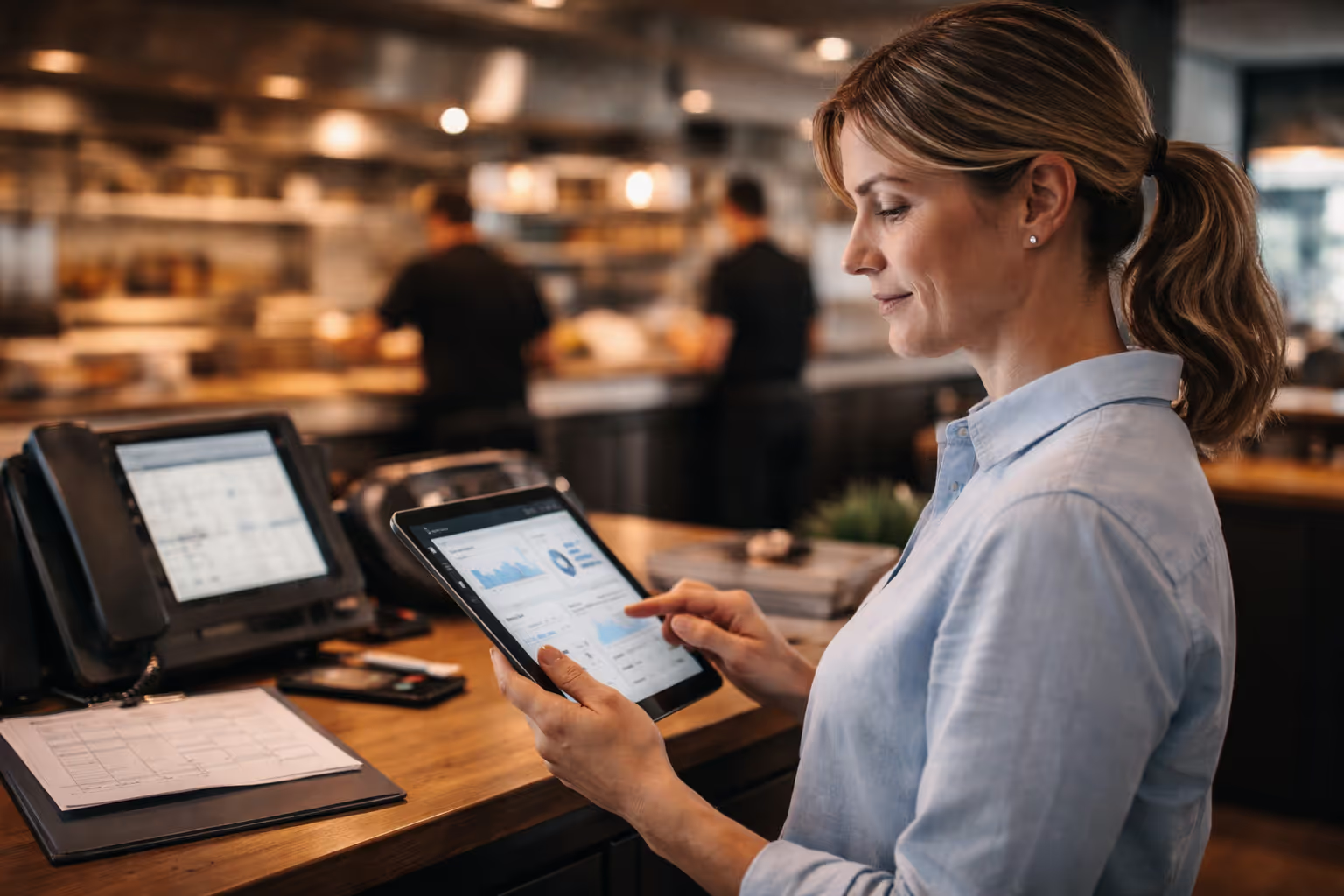
Once a voice AI is ready, what matters next is how it’s tested and introduced into daily service.
This stage decides whether the system quietly takes pressure off your team or creates new problems during busy hours. Orders need to come through cleanly. The kitchen needs tickets it understands. Staff need confidence that the phone won’t become another thing to manage.
Having said that, let’s break down how restaurants test and launch a voice AI assistant in a controlled, low-risk way, so it fits into real operations, not just a demo environment.
Pre-implementation preparation
Before testing anything, establish baseline metrics for 30 days.
Track current performance:
- Total incoming calls per day and week.
- Missed calls by time period (especially peak hours).
- Average phone order value.
- Order error rate from phone orders.
- Staff hours spent on phone duties.
These numbers show where you're starting and prove ROI after launch. Most restaurants discover they're missing 30-40% of calls during rushes and losing $70,000-$100,000 annually.
Document your menu completely:
- Every item has accurate names and descriptions.
- All modifications, add-ons, and customizations.
- Allergen information and dietary restrictions.
- Pricing, including specials and promotional items.
- Items are frequently out of stock or seasonal.
Menu accuracy matters more than anything else. Voice AI for restaurants relies on understanding exactly what you serve and how customers describe it.
Verify technical requirements:
- POS system version and API compatibility.
- Internet bandwidth (minimum 10 Mbps recommended).
- Phone system configuration and forwarding capabilities.
- Payment processor integration requirements.
- Kitchen display system connectivity.
Understanding how to implement voice AI in restaurants requires confirming these technical foundations before testing begins.
Phase 1: System configuration and setup
Most AI phone ordering systems deploy in 24-72 hours, but how you configure them makes all the difference long term.
a) Configure your restaurant profile:
- Operating hours, including holidays and special closures.
- Location details and service area boundaries.
- Delivery zones and minimum order requirements.
- Reservation policies and table availability.
- Brand voice and greeting preferences.
b) Upload and validate menu data:
Work with your AI provider to import menu information. Test that items appear correctly with proper pricing, descriptions, and modification options.
Pay special attention to commonly confused items. If you serve both "chicken parmesan" and "eggplant parmesan," ensure the AI distinguishes clearly between them.
c) Set up POS integration:
Restaurant voice AI integration with POS systems requires API credentials, webhook endpoints, and data mapping between systems.
Test that orders flow correctly:
- Orders appear on kitchen displays in familiar formats.
- Pricing syncs accurately.
- Modifications display properly.
- Payment processing connects to the existing gateway.
- Order status updates reflect in real-time.
d) Configure escalation protocols:
Define when AI transfers to staff. Common escalation triggers include:
- Complex complaints requiring the manager's attention.
- Catering orders over certain dollar amounts.
- Custom requests outside normal menu options.
- Payment issues or declined transactions.
- The customer specifically requests human assistance.
Phase 2: Internal testing
Test thoroughly before any customer interactions.
a) Conduct basic functionality tests:
Call the system yourself from multiple devices. Place simple orders for popular items.
Verify that:
- AI answers promptly with a correct greeting.
- Menu items are recognized accurately.
- Prices match your POS.
- Orders are confirmed correctly before processing.
- Payment flows smoothly.
- Tickets appear on the kitchen display properly formatted.
b) Test complex order scenarios:
Real customers place complicated orders. Test situations like:
- Multiple modifications on a single item ("Large pizza, half pepperoni, half sausage, extra cheese on the pepperoni side only, well done").
- Split orders ("I want two burgers, one with no onions, the other with extra pickles").
- Dietary restrictions and allergen questions.
- Combo meals with substitutions.
- Special instructions for preparation or packaging.
Document how the AI ordering system handles each scenario. Refine configurations based on results.
c) Stress test peak hour capacity:
Make multiple simultaneous calls to confirm the system handles volume. Most voice AI platforms manage unlimited concurrent calls, but verify this works in your specific setup.
d) Test accent and language recognition:
If your customer base includes diverse accents or multiple languages, test thoroughly. Have staff members with different speech patterns place orders. Verify the AI understands:
- Regional accents are common in your area.
- Non-native English speakers.
- Children's voices if you serve families.
- Different pronunciation of menu items.
Systems like Certus AI are specifically trained on South Asian, East Asian, and Caribbean accents for better accuracy with diverse customer bases.
e) Validate edge cases:
Test scenarios that might break the system:
- Ordering items currently out of stock.
- Calling outside operating hours.
- Requesting delivery outside your service area.
- Background noise and poor connection quality.
- Customers are changing their minds mid-order.
- Payment declined situations.
Understanding how AI call centers for restaurants handle these edge cases prevents customer frustration during real operations.
Phase 3 of AI-assistant implementation: Controlled pilot testing
After internal testing succeeds, run a controlled pilot with real customers.
a) Start with limited exposure:
Route 20-30% of calls to the AI phone system initially. Keep human backup available for all calls. This allows real-world testing while minimizing risk.
b) Choose optimal timing:
Begin pilot testing during off-peak periods. Tuesday or Wednesday lunch service provides real customer interactions without Friday dinner rush pressure.
Gradually expand to busier periods as confidence grows.
c) Monitor every interaction:
Review call recordings and transcripts daily during the pilot phase.
Look for:
- Orders the AI processed correctly end-to-end.
- Situations where AI struggled or escalated unnecessarily.
- Customer reactions and satisfaction indicators.
- Common phrases or menu items the AI misunderstands.
- Technical issues or integration failures.
d) Collect staff feedback:
Your team sees how AI orders flow through kitchen operations.
Ask them:
- Do tickets arrive clearly formatted?
- Are modifications accurate and complete?
- Does timing work smoothly with other orders?
- Are there recurring issues or confusion points?
Staff feedback often surfaces problems that don’t show up in reports.
e) Measure pilot performance:
Track key indicators during the pilot:
Metric - Target performance
- Call answer rate: 95%+ answered
- Order accuracy: 95%+ correct
- Average handle time: Under 3 minutes
- Escalation rate: Under 15%
- Customer satisfaction: 4+ stars average
Compare these to your pre-implementation baseline. Most restaurants see immediate improvement in answer rates and consistency.
Phase 4: Staff training and preparation
Technology succeeds when your team embraces it.
a) Train staff on system operation:
Teach your team how the AI voice assistant works:
- How calls flow to the AI system.
- Where to access call logs and transcripts.
- How to monitor real-time AI performance.
- Dashboard navigation for basic troubleshooting.
- When and how AI escalates to staff.
b) Prepare for customer questions:
Customers might ask about the AI system. Train staff to:
- Explain benefits like faster service and 24/7 availability.
- Emphasize improved order accuracy.
- Reassure that complex issues still reach humans.
- Share that many customers don't notice the difference.
c) Create escalation procedures:
When your AI phone agent for restaurants transfers calls, staff need clear protocols:
- How to access AI conversation history for context.
- Standard responses for common escalated issues.
- Who handles different escalation types (managers vs. staff)
d) Address staff concerns proactively:
Common worries include job security and technology replacing humans. Clarify that:
- AI handles repetitive phone tasks, not hospitality.
- Staff time reallocates to in-person guest service.
- Complex situations still require human judgment.
- Technology empowers staff rather than replacing them.
In reality, restaurants using AI report reduced staff stress because teams aren't juggling phones during rushes.
Phase 5: Soft launch to all calls
After successful pilot testing, expand to full deployment.
a) Gradual transition approach:
Week 1: Route 50% of calls to AI, 50% to traditional handling. Week 2: Increase to 75% AI, 25% traditional backup. Week 3: Move to 90% AI with human monitoring. Week 4: Full deployment with AI handling all calls.
This staged approach catches issues before they impact all customers.
b) Monitor intensively:
Track performance daily for the first two weeks:
- Call volume handled successfully.
- Order accuracy rate.
- Customer complaints or confusion.
- Technical failures or integration issues.
- Revenue impact from captured orders.
Set up alerts for concerning patterns like rising escalation rates or declining satisfaction.
c) Optimize based on data:
Use performance data to refine the system:
- Add menu items that customers frequently request, but AI doesn't recognize.
- Adjust phrasing for items confusing.
- Update common modifications based on actual order patterns.
- Refine upsell suggestions based on conversion rates.
Many restaurants don't realize that menu changes can break your phone system if the AI isn’t updated right away. Set up a simple process to keep the AI menu in sync with what you’re actually serving.
d) Gather customer feedback:
Ask customers about their phone ordering experience:
- Was the AI easy to understand and interact with?
- Did your order arrive as expected?
- How was the overall experience compared to previous orders?
- Would you use phone ordering again?
Positive feedback validates your implementation. Negative feedback guides improvements.
Common testing mistakes to avoid
Restaurant operators make predictable errors during AI voice assistant testing and launch, such as:
- Not testing the full menu – Every item, add-on, and common request needs to be checked.
- Skipping edge cases – Real customers order in unexpected ways. Test unusual scenarios early.
- No baseline metrics – Without before-and-after data, ROI is impossible to prove.
- Rushing the rollout – Skipping pilot testing amplifies problems at full scale.
- Poor staff training – If the team doesn’t understand the system, it won’t work well.
- Ignoring customer feedback – Feedback shows where the AI phone system needs improvement.
- Letting configs go stale – Menus change. The AI ordering system must stay updated.
Performance monitoring checklist for restaurant AI voice assistants
Review these weekly after launch:
Operations
- Calls handled by AI voice agent vs. staff.
- Average call time (target: under 3 minutes).
- Order completion rate.
- System uptime and POS reliability.
Financials
- Phone order revenue vs. baseline.
- Average order value.
- After-hours orders captured.
- Labor hours saved.
Quality & experience
- Order accuracy.
- Customer satisfaction.
- Refunds, remakes, and complaints.
- Escalation frequency and reasons.
Measuring success of a Restaurant AI Assistant
Success shows up in three areas:
- Revenue: More phone orders, higher order values, and recovered after-hours sales. Many restaurants recover $70,000–$100,000 annually.
- Operations: Fewer missed calls, lower labor strain, and fewer order errors.
- Customer experience: Higher satisfaction, repeat orders, and fewer complaints.
Most restaurants see ROI within 30–60 days, with compounding gains over the next few months.
When to adjust or troubleshoot
Make changes if you notice:
- Rising escalations (unrecognized menu items or strict handoff rules).
- Falling accuracy (menu or POS sync issues).
- More complaints (voice quality or flow problems).
- Technical failures (uptime, payments, integrations).
Most AI voice systems for restaurants include failsafes. Certus AI, for example, automatically routes orders to staff if integrations fail, helping prevent lost revenue.
Making your restaurant's voice assistant launch successful
The difference between implementations that fail and those that succeed comes down to preparation. Average launches rush testing and skips training. Successful launches test thoroughly, train staff properly, monitor performance religiously, and optimize continuously based on data.
Your restaurant voice AI assistant represents a significant investment and opportunity. Follow this guide systematically, track metrics rigorously, and refine based on real results. The outcome is voice AI that captures every order, frees your staff, and drives measurable revenue growth.
Ready to implement restaurant AI in maximum 48 hours with proper testing and launch support?
Book a demo with Certus AI and see how expert guidance ensures successful deployment from day one.

.svg)
.svg)
.svg)
.svg)