.svg)

.svg)


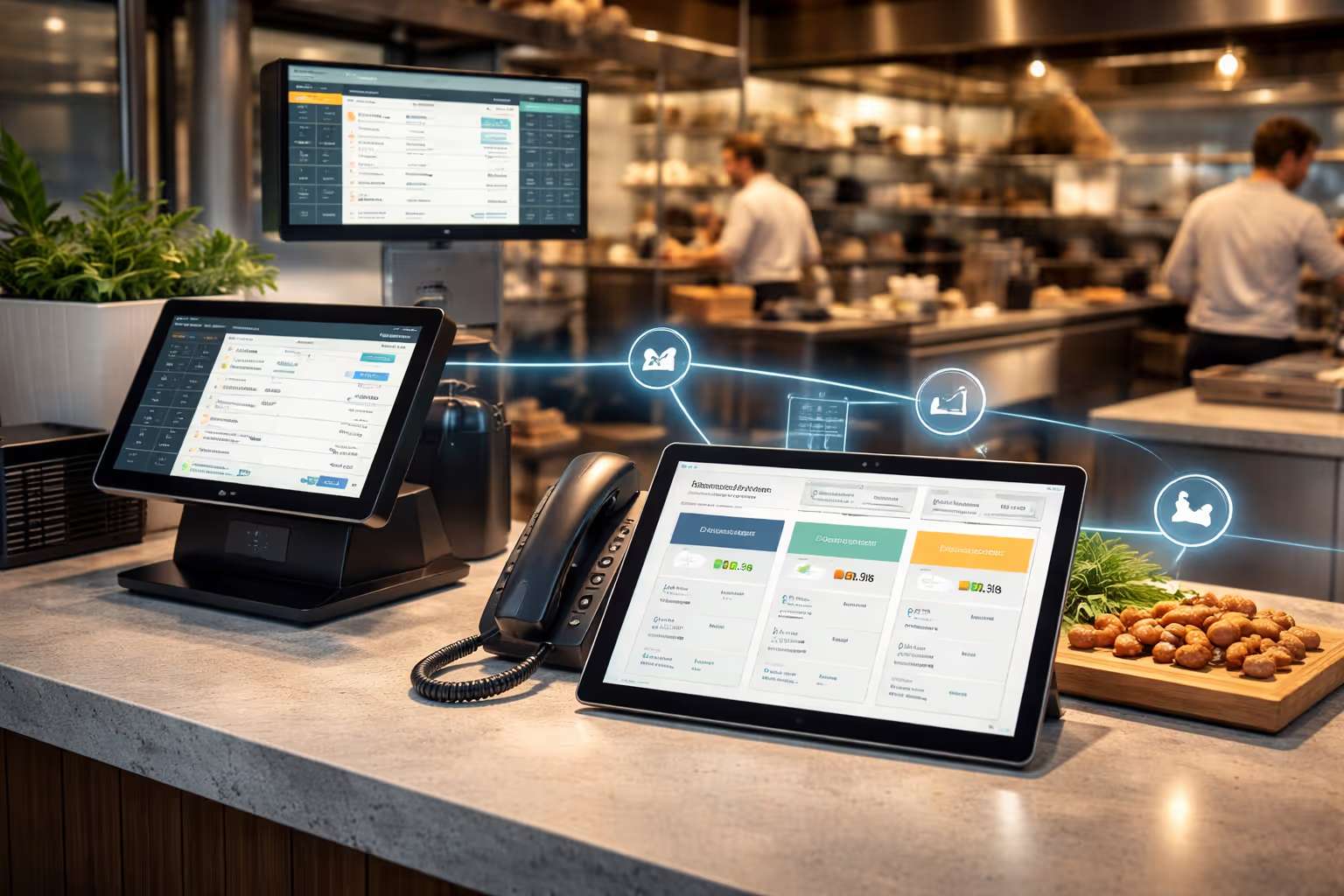
You’ve spent years building your restaurant’s tech stack, from POS to online ordering to reservations. The last thing you want is a new tool that forces you to start over.
But that’s where modern AI ordering systems are different. They fit seamlessly into your restaurant technology, making operations easier without any extra effort.
A good AI ordering system should connect directly to your POS, follow your menu rules, and pass orders through without manual fixes. It fits right into your phone lines and online ordering, so your team can focus on serving guests instead of managing another system.
Before adding AI to your tech stack, it’s worth understanding what “integration” really means in day-to-day restaurant operations.
Why restaurant tech integration matters
Restaurant operators manage multiple technology platforms: POS for transactions, kitchen display systems for orders, reservation software for tables, and delivery integrations for off-premise orders. When these systems don’t communicate, staff spend time switching between platforms, mistakes multiply, and data stays scattered.
Integration complexity is a common concern. While 79% of restaurant operators say real-time data is essential, 27% report they cannot reliably track even basic KPIs. When ordering, inventory, and customer systems work together, redundant data entry drops, errors decrease, and operators get a clear view of their operations.
What makes an AI phone ordering system integration-ready?
Not all AI ordering systems are built the same. Some require complete overhauls of your tech stack. Others plug directly into what you already have.
Here's what integration-ready restaurant technology looks like:
1. API compatibility
APIs allow software systems to communicate. A proper AI phone ordering system uses robust APIs to connect with your POS, kitchen display, and payment processor. The API should handle real-time data exchange without lag.
2. Pre-built integrations
Systems with pre-built integrations for major POS platforms save you months of custom development. Look for native compatibility with Toast, Square, Clover, Lightspeed, Aloha, and other leading systems.
3. Cloud-based architecture
Cloud systems integrate faster and scale better than legacy on-premise solutions. 83% of US restaurants now use cloud-based POS systems because they handle integration updates automatically.
4. Minimal technical requirements
The best integrations require no coding expertise. Web-based dashboards and straightforward setup processes mean your team can manage the system without hiring developers.
5. Real-time data sync
Orders should flow instantly from the AI phone agent to your kitchen display. Payment processing should update your POS in real-time. Inventory levels should reflect across all platforms immediately.
Can AI phone agents integrate with your specific POS system?
Most modern AI ordering systems integrate with the major POS platforms that restaurants use.
These include:
- Toast POS
- Square for Restaurants
- Clover
- Lightspeed Restaurant
- Aloha POS
- TouchBistro
- Micros (Oracle)
- SpotOn
- Revel Systems
- Upserve (Lightspeed)
Systems like Certus AI process orders directly during phone calls and route them to your existing POS without manual entry. The order appears on your kitchen display in the same format your staff already recognizes. Payment gets captured securely through your existing payment processor.
The key is verification. Before implementing any AI phone ordering system, confirm that your specific POS version is supported. Some integrations require particular software versions or subscription tiers.
What about reservation systems and delivery platforms?
AI ordering systems don't just connect to POS platforms. Complete restaurant order automation integrates across your entire tech stack.
1. Reservation platforms
AI phone agents can sync with OpenTable, Resy, Yelp Reservations, and other booking platforms. When a customer calls to book a table, the AI checks availability in real-time and confirms the reservation directly in your system.
2. Delivery integrations
Many restaurants use third-party delivery platforms like DoorDash, Uber Eats, and Grubhub. Modern AI systems can manage phone orders alongside delivery platform orders, routing everything to a single kitchen display.
3. Kitchen display systems
Whether you use KDS from your POS provider or a standalone system, AI ordering platforms should send formatted tickets that match your kitchen's existing workflow. No retraining required.
4. Payment processors
Integration with Stripe, Square Payments, or your existing payment gateway means secure transaction processing without changing how you handle money.
How restaurants use AI to automate orders across multiple channels
The real power of integrated AI ordering systems shows up when you handle multiple order channels simultaneously. How restaurants use AI to automate orders across phone, online, and in-person creates a unified operational flow.
Picture a Friday night rush. Phones ring. Online orders come through your website. DoorDash orders arrive. Walk-ins wait for tables. Without integration, your staff is drowning in separate systems.
With integrated AI phone ordering, here's what happens:
- Phone orders go directly to the AI agent.
- The AI processes the order, captures payment, and sends the ticket to your kitchen display.
- Online orders from your website flow through the same pipeline.
- Third-party delivery orders appear on the same display.
- All orders update your POS inventory in real-time.
- Your staff sees one consolidated view across all channels.
This level of integration reduces order errors by over 50% and frees up 5-15 hours of staff time per week.
Do you need to replace your current systems?
No. Integration means connecting systems, not replacing them.
Your current POS stays. Your kitchen display system stays. Your payment processor stays. The AI ordering system adds a layer that enhances what you already have.
Think of it like adding a new payment terminal. You're not replacing your entire POS system. You're adding a connected device that works with your existing setup.
The implementation process for integrating AI phone ordering systems with your existing POS typically takes 24-72 hours. Most of that time involves menu configuration and testing, not technical setup. Certus offers the fastest restaurant voice AI onbaording with just 45 minutes.
How to evaluate an AI ordering system's compatibility
Before committing to any AI phone ordering system, run through this checklist:
1. Verify POS compatibility
Confirm your exact POS system and version number. Ask the AI provider for documentation on supported integrations. Request a demo that shows the actual integration with your POS.
2. Check data flow
Understand what data moves between systems. Orders, payments, inventory, and customer information should sync bidirectionally.
3. Review API documentation
Even if you're not technical, ask to see the API documentation. Well-documented APIs indicate a mature, reliable integration.
4. Test during a trial period
Most AI ordering systems offer trial periods. Use this time to test the integration under real conditions. Place test orders, process payments, and verify that everything appears correctly in your systems.
5. Assess support availability
Integration issues will happen. Confirm that the provider offers technical support that understands both their system and common restaurant technology platforms.
6. Understand update processes
Ask how the system handles updates when your POS or other platforms change. Automatic updates are better than manual configuration changes.
What about data security during integration?
Integration means data flows between systems. This raises security questions.
Proper AI ordering systems handle data securely through several methods:
- Encryption during data transmission (TLS/SSL).
- Secure API authentication (OAuth, API keys).
- PCI DSS compliance for payment data.
- Regular security audits and vulnerability testing.
- Data isolation between customers.
Your customer payment information should never be stored by the AI system. Instead, it passes securely to your payment processor through tokenization.
Real implementation timelines and costs
Integration doesn't mean months of downtime. Here's what a realistic implementation looks like:
Total time from contract signing to full deployment runs 24-72 hours for most restaurants - it is way shorter with Certus AI though. Most of the time goes to menu setup and testing.
Cost-wise, integration fees vary. Many AI ordering systems include integration setup in their monthly subscription. Others charge one-time setup fees of $500-$1,500.
Choosing the right AI ordering system for your restaurant
Your existing restaurant technology represents a significant investment. The right AI ordering system enhances that investment rather than replacing it.
Start by auditing your current tech stack. List your POS, payment processor, kitchen display system, reservation platform, and any other critical tools. Then verify that potential AI ordering systems offer native integration with these platforms.
Request demos that show actual integration, not just marketing promises. Ask for customer references from restaurants using similar tech stacks. Test the system during a trial period to confirm everything works as advertised.
The goal is seamless operation. Your staff shouldn't notice the difference between an order taken by AI and one entered manually, except that the AI orders arrive faster and more accurately.
Modern AI phone agents are built for integration. They work with your existing restaurant technology, not against it. When implemented correctly, they enhance your operation without disrupting the systems that already work.
Ready to see how AI ordering integrates with your specific tech stack? Book a demo with Certus AI and discover how seamless integration captures more orders without adding complexity to your operation.

.svg)
.svg)
.svg)
.svg)